How do I export financial reports from Inkle Books?
Inkle Books gives you pre-built financial statements and lets you download any of them as a PDF or an Excel file. This matters because the people who need your numbers most, investors, accountants, board members, are the people who can't log into your books, so at some point the statement has to become a file you can send.
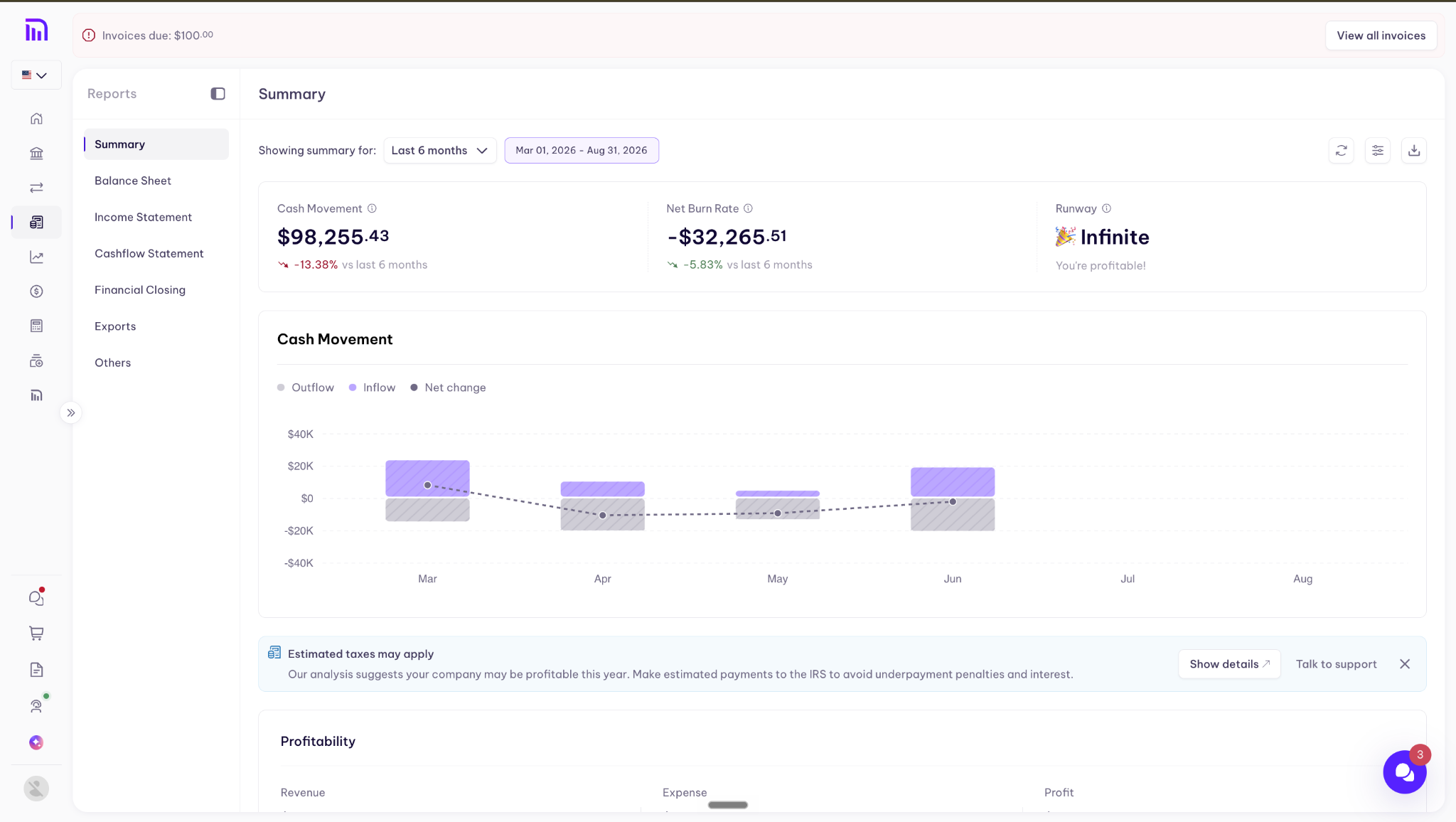
What each report tells you
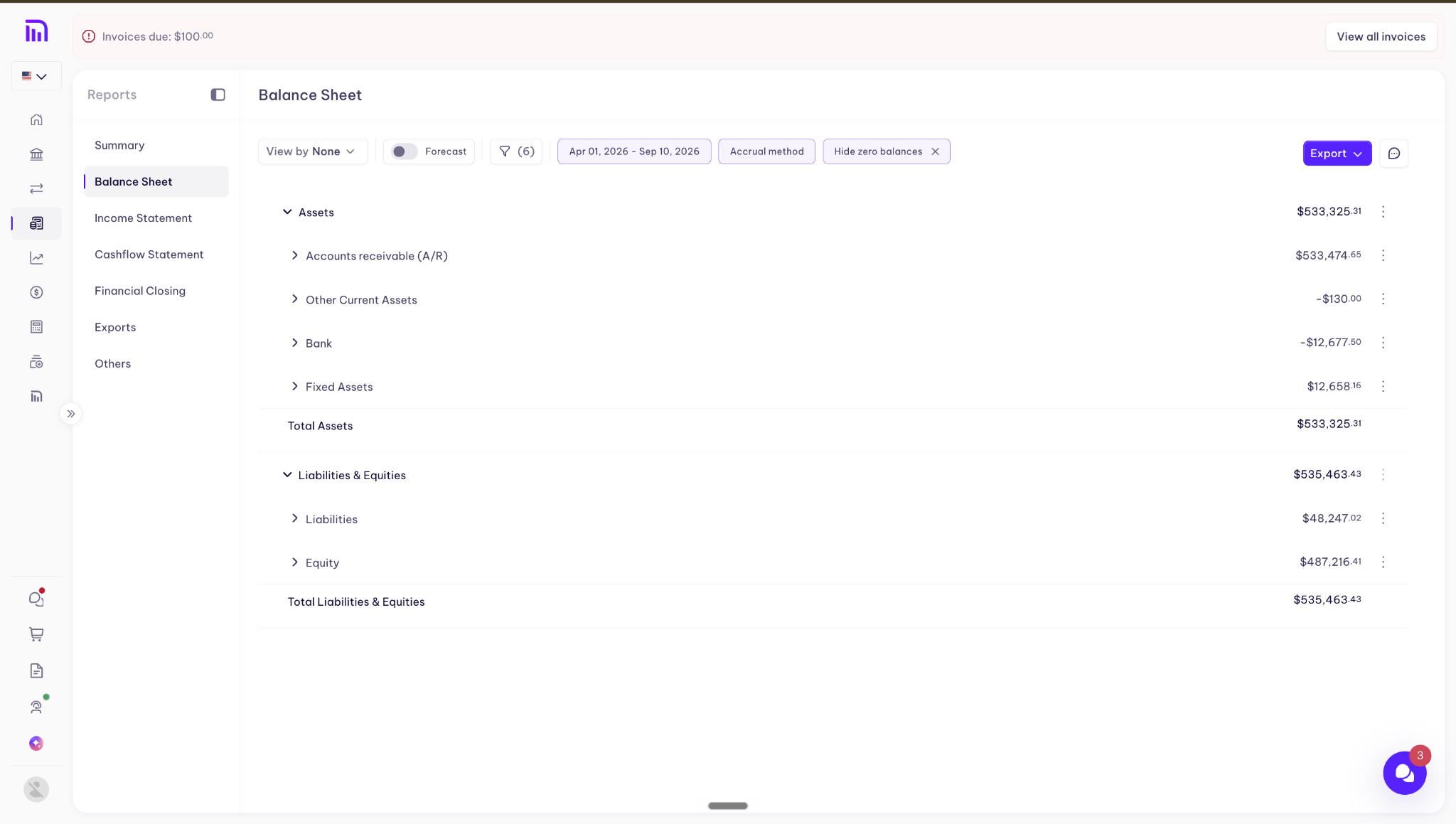
Balance sheet - What you own and what you owe on a single date. Assets, liabilities, and equity. It answers "what is the company worth right now."
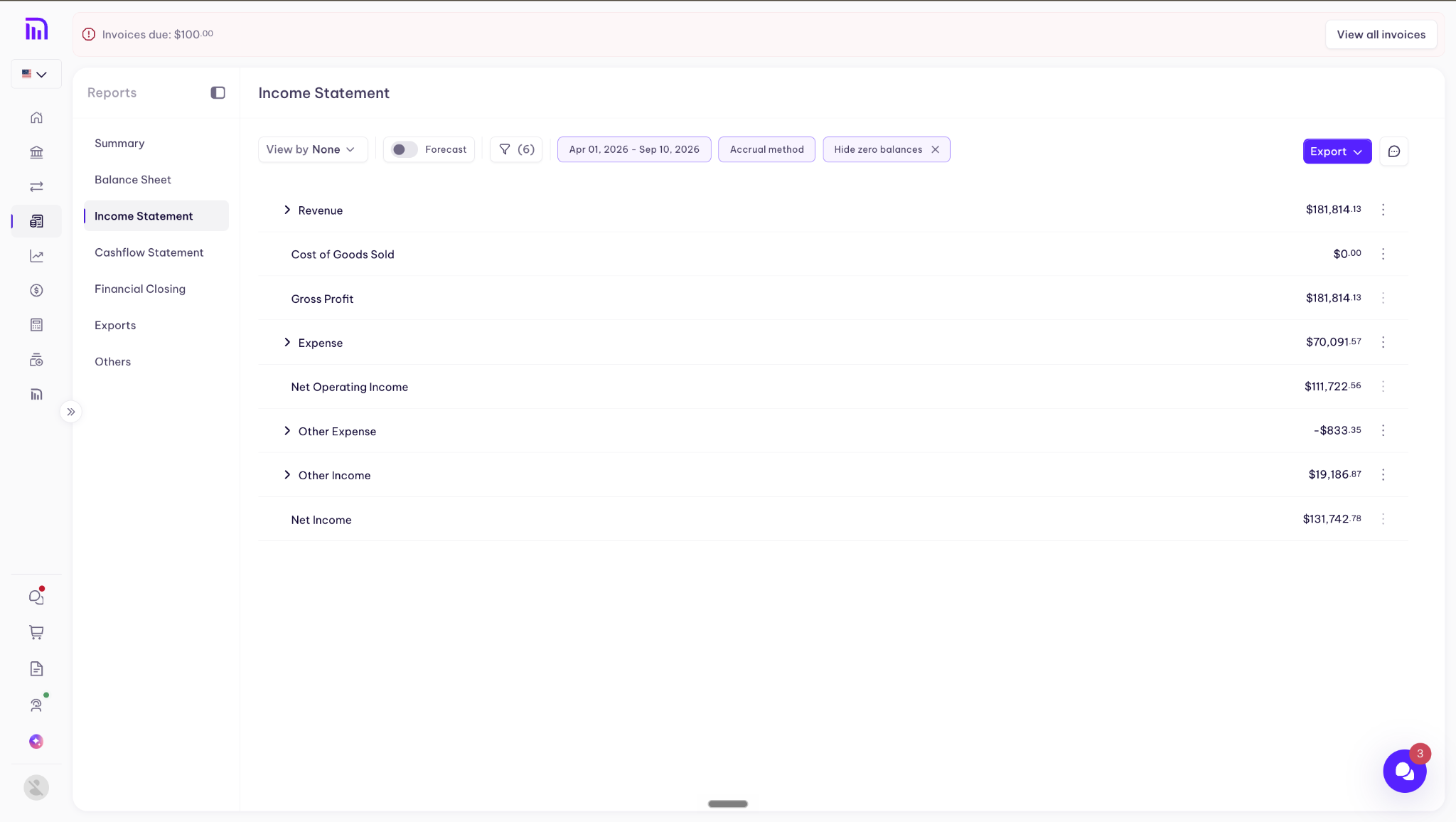
Income statement - Revenue minus expenses over a period. It answers "did we make money last quarter." This is the same document as a P&L. The two names are interchangeable, so if someone asks for a P&L, send the income statement.
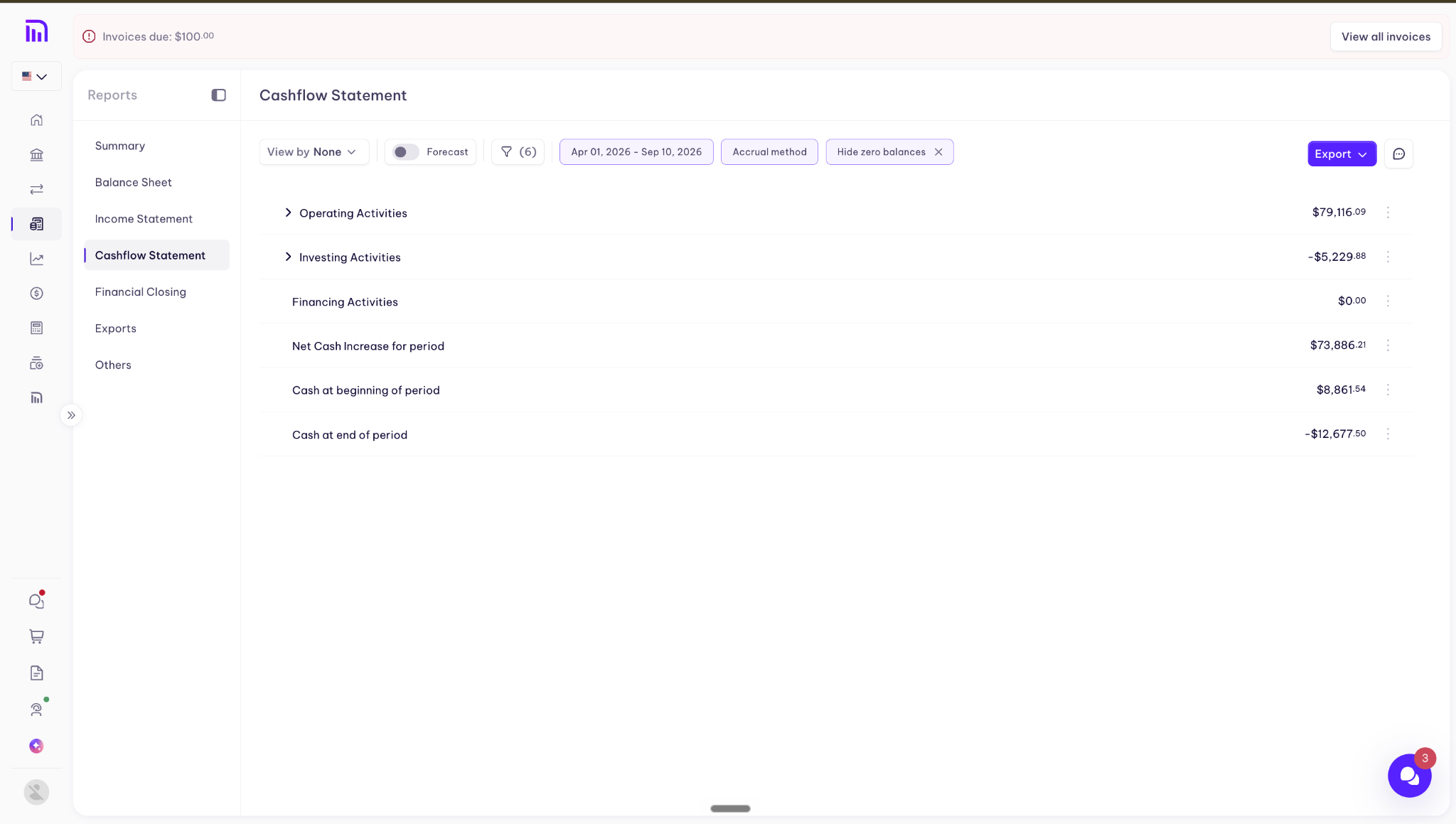
Cash flow statement - How cash actually moved over a period. It differs from the income statement because under accrual accounting revenue is recorded when it's earned, not when it's paid, so a profitable month and a cash-positive month aren't the same thing.
How do I export a report?
Step 1: Open your reports
Log in and open the reports section from the left nav. Your pre-built statements are listed there.
Step 2: Choose your report
Select the statement you want.
Step 3: Export
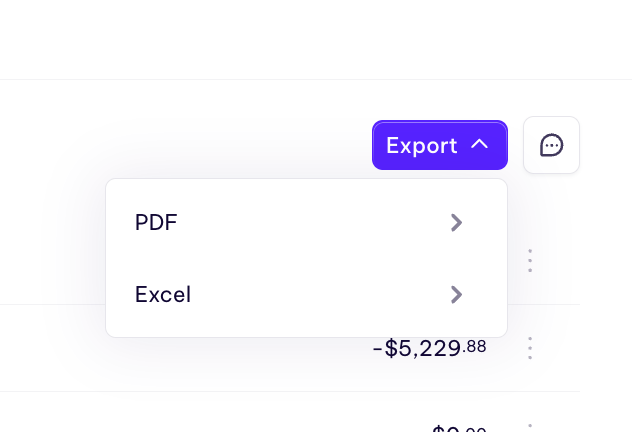
Click Export and choose your format. The file downloads immediately.
PDF or Excel?
PDF when the recipient is going to read the statement as it is. Investors, board packs, anything that should look the same on their screen as it does on yours.
Excel when the recipient is going to work with the numbers: your accountant reformatting it for a filing, or you pulling figures into a model or another system.
Before you export
Reconcile first. Export doesn't check your work. If transactions are still uncategorized or a bank feed hasn't caught up, the statement exports anyway and looks exactly as authoritative as a clean one.
Know that it's a snapshot. Send a PDF on the 3rd, adjust an entry on the 7th, and the copy your investor is holding is now wrong. Nothing tells them that, so note the date you pulled it.
Check the period and basis. If you need a specific date range or accounting method, set that before exporting rather than after.
FAQ
What's the difference between a P&L and an income statement?
Nothing. They're two names for the same statement.
Which format should I send my investors?
PDF. It renders the same for everyone and doesn't invite edits.
Can my accountant work from the export?
Yes, and send Excel rather than PDF so they aren't retyping figures.
Does the export update if I change something in my books?
No. The file is a snapshot from the moment you downloaded it. Re-export after any change you want reflected.
Still have questions?
Reach out to our support team if you have any additional questions regarding filing.