Professional bookkeeping,
inside your Mercury Books
Mercury Books records and categorizes your activity as it happens. Inkle's bookkeepers review that work, reconcile the accounts held outside Mercury, and close your books each month, so your financial statements are accurate and ready for tax.
Trusted by 2,000+ customers




































How Inkle works in Mercury Books
There is nothing to export or rebuild. We join your account as an advisor and continue from wherever your books stand today.

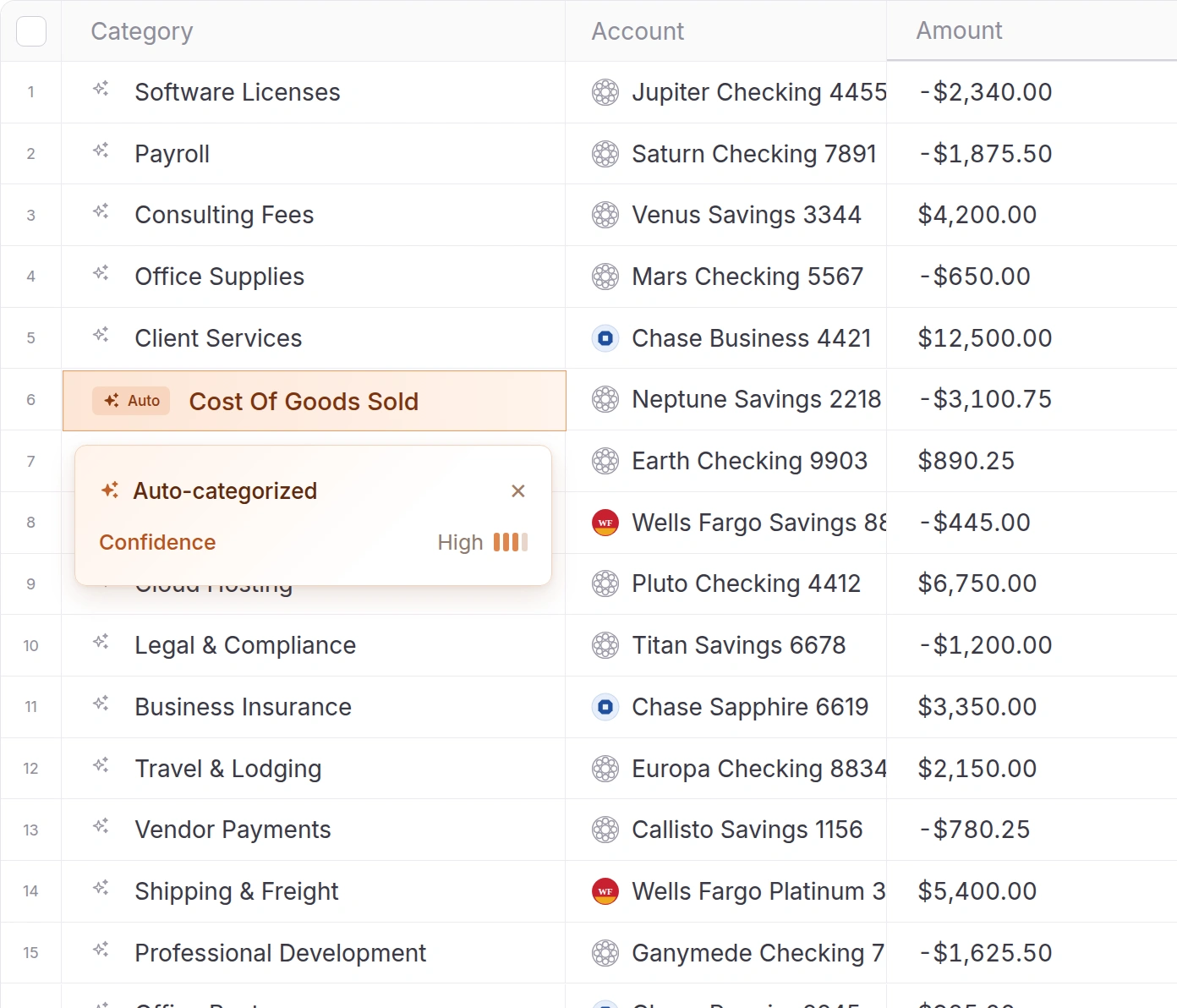
We review how Command has coded each transaction and correct anything misclassified.

When a charge needs explanation, we ask you directly rather than guess.

Mercury accounts reconcile in real time. We reconcile every other bank, card and payment account.

We close the books and deliver your financial statements on a set schedule.
What your bookkeeper does in Mercury Books each month

Command assigns GL codes as transactions arrive. Each month your bookkeeper reviews that coding, corrects misclassifications and keeps your chart of accounts consistent from one period to the next.
Mercury accounts and cards reconcile in real time. We reconcile everything connected from outside Mercury, including other banks and cards, Stripe and PayPal.

We record the entries a bank feed cannot capture: payroll syncs, depreciation, prepaid expenses and accruals. Command can draft journal entries; your bookkeeper determines the correct treatment and posts them.

After each close you receive the profit and loss statement, balance sheet and cash flow statement from Mercury Books, with a brief note from your bookkeeper on significant changes.

Command can answer questions about your data, but it cannot know the business purpose of an unclear charge. Your bookkeeper asks you before recording it.
Your closed books pass directly to our tax team for federal and state filings, including Form 5472 for companies with foreign shareholders.
Onboarding begins with a single call
We review your Mercury Books setup, connected accounts, monthly transaction volume and any backlog, then recommend a plan.
Add Inkle as an advisor on your Mercury account, at no extra cost. You can remove access at any time.
If earlier months are unreconciled, or history is coming over from another system, we bring it current first so the monthly close starts from accurate balances.
From then on, we close your books each month and deliver your financial statements.

