How to Choose Form 1120 Software for Accurate Filing


Filing Form 1120 is a core requirement for C corporations in the US, but it involves detailed calculations, compliance checks, and strict deadlines. Even small errors can lead to penalties, delays, or additional work that affects financial reporting and decision-making.
For startups and growing businesses, tax filing depends on clean and accurate financial data. The right Form 1120 preparation software can help reduce manual effort, improve accuracy, and keep your books aligned with compliance requirements throughout the year.
Most Form 1120 software in the market focuses on one of two approaches.
- Some tools guide you step by step through tax filing, helping you complete the form with built-in checks and prompts.
- Others go a step further by connecting bookkeeping, compliance, and reporting, so your financial data is already structured before filing begins.
If your business has simple operations, guided filing tools can work well. But as complexity increases with multiple entities, cross-border transactions, or investor reporting needs, software that connects financial data with compliance becomes more useful.
This is where the differences between tools start to matter.
Below is a quick comparison of five widely used Form 1120 preparation solutions. The tools listed below are selected based on how well they support different stages of the Form 1120 workflow. We evaluated them across factors such as ease of use, accuracy checks, ability to handle different entity types, integration with bookkeeping systems, and suitability for startups and growing businesses:-
Each of these tools solves a different part of the tax filing problem.
In the next sections, we break them down one by one so you can decide which fits your business structure and workflow best.
1. Inkle
.webp)
Inkle is built for startups that want their financial data to stay accurate, structured, and ready for compliance at all times. Instead of relying on year-end fixes, it helps teams maintain clean books continuously so tax filing becomes a smoother, low-effort process.
This becomes especially important for businesses with multiple entities or cross-border operations. When financial data is spread across tools, preparing Form 1120 often turns into manual cleanup. Inkle removes that friction by keeping everything aligned from the start.
Here are some key features of Inkle that support Form 1120 preparation:
- Inkle automatically categorizes transactions and reconciles accounts on an ongoing basis, which helps keep your books clean and audit-ready throughout the year.
- The platform structures your financial data in line with US compliance requirements, so you do not have to make extensive adjustments at the time of filing.
- It supports multi-entity and cross border business structures, making it easier to track intercompany transactions and maintain consistent financial records.
- All your financial data is centralized in one place, which simplifies reporting and reduces the effort required during tax preparation.
Best for
Inkle works best for startups and growing businesses where bookkeeping quality directly affects tax filing.
If your business operates across the US and India, manages multiple entities, or handles transactions through different systems, your main challenge is often preparing clean financial data before filing. Inkle addresses this by ensuring your books are consistently structured and ready.
It is also a strong fit for SaaS and venture-backed companies that need reliable financials for investor reporting, audits, and internal decision-making. Instead of treating tax filing as a separate activity, it becomes a natural outcome of well-maintained books.
2. TurboTax Business
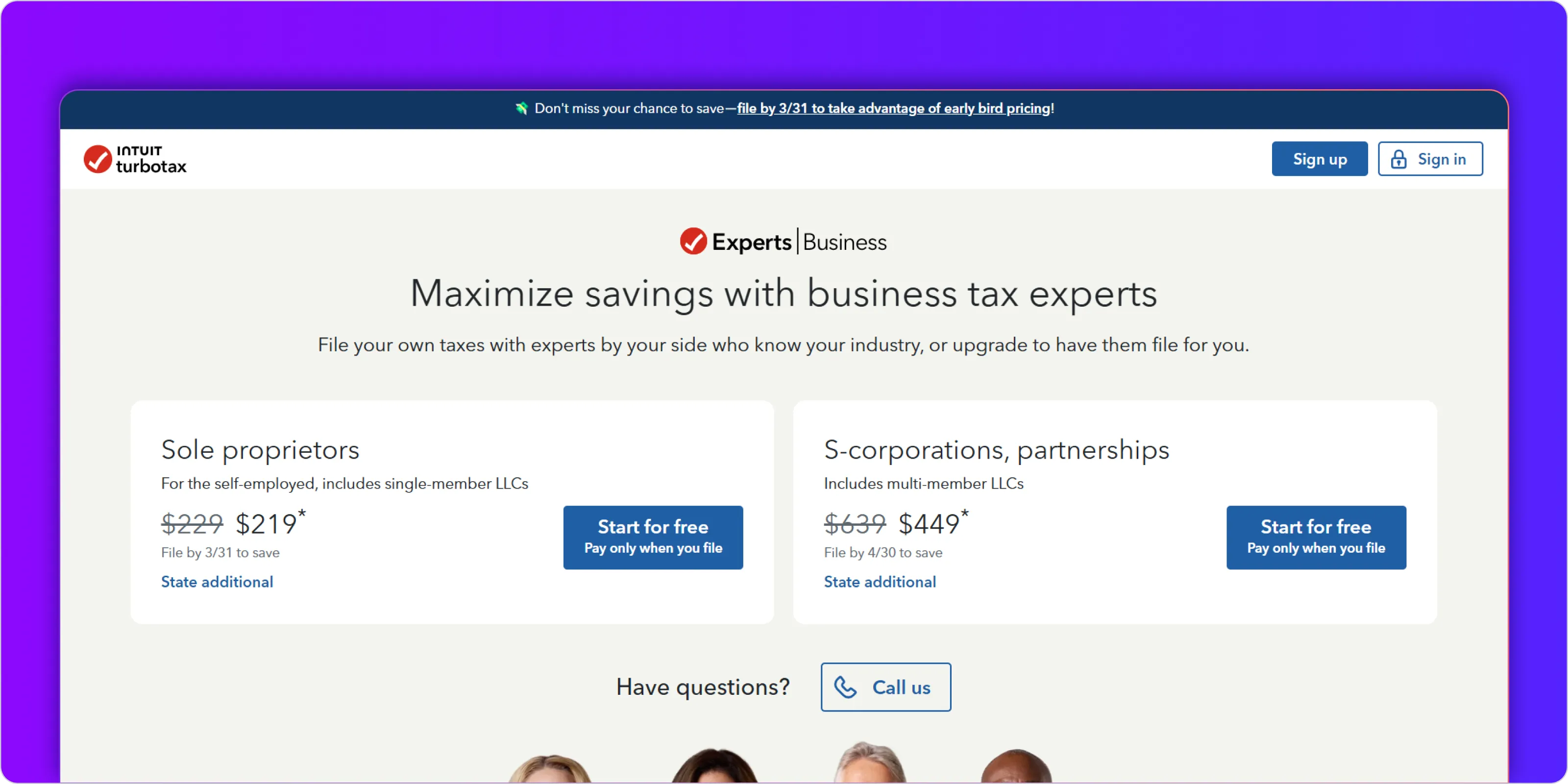
TurboTax Business is designed for businesses that want a guided and structured way to prepare Form 1120. It focuses on simplifying the filing process rather than managing financial data throughout the year. This makes it a practical option for companies that already have their books in order and need help translating that data into a completed tax return.
The software follows a step-by-step approach, asking questions and using your inputs to populate the required forms. This reduces the need to understand every line of Form 1120, especially for first-time filers or small teams without dedicated tax support.
Here are some key features of TurboTax Business:
- The platform walks you through Form 1120 using an interview-style process, which helps you complete the return without needing deep tax knowledge.
- It includes built-in error checks and audit risk indicators that flag missing information or potential issues before you file.
- You can import prior-year data, which reduces repetitive work and helps maintain consistency in your filings.
Best for
TurboTax Business works best for small businesses and early-stage companies that have relatively simple financial structures and already maintain clean books.
If your accounting is handled separately through another tool or by an accountant, and your main need is to prepare and file Form 1120 accurately, TurboTax provides a straightforward path. It reduces the learning curve by guiding you through each section and ensuring that required details are not missed.
However, it may not be the right fit for businesses dealing with multiple entities, cross-border transactions, or complex reporting requirements. In such cases, the limitation is not the filing process itself, but the effort required to prepare accurate data before using the software.
3. H&R Block
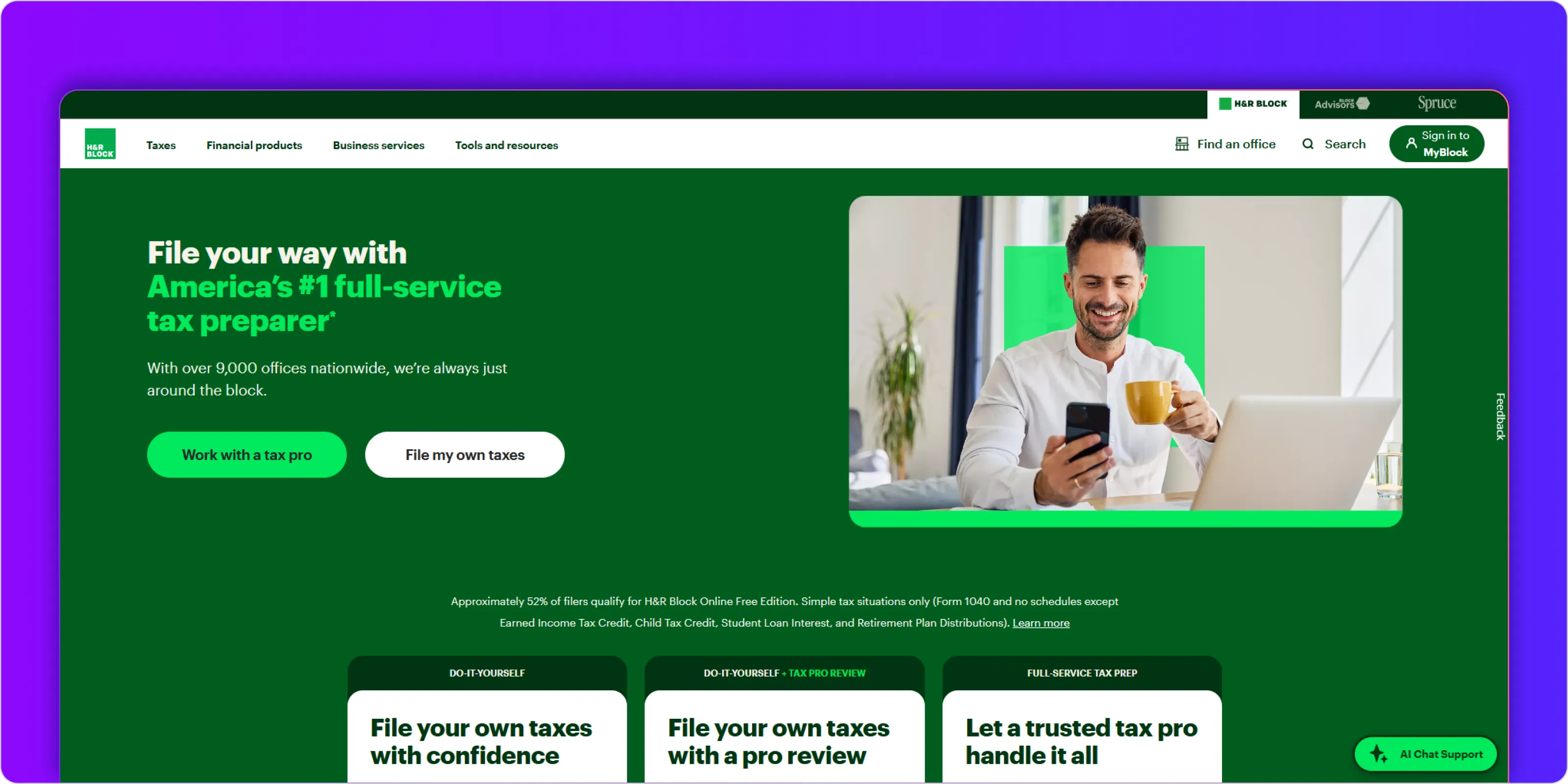
H&R Block Business Tax Software is built for businesses that want a straightforward and easy-to-follow way to file Form 1120. It focuses on reducing complexity during filing rather than managing financial data beforehand, which makes it suitable for teams that already have their numbers prepared.
The software uses a guided, interview-style approach that walks you through each section of the return. Instead of navigating forms directly, you answer structured questions, and the system translates your responses into the required tax entries.
Here are some key features of H&R Block Business Tax Software:
- The interview-style interface guides you step by step, making it easier to complete Form 1120 without needing to interpret tax forms manually.
- The software supports multiple business tax forms, so you can manage different filing needs within the same system if required.
- It highlights deductions and credits as you go, helping ensure that you do not miss common tax-saving opportunities.
Best for
H&R Block Business Tax Software works well for businesses that want a simple, no-frills filing experience with minimal setup.
If your company has a single entity, limited transaction complexity, and well-maintained financial records, this tool helps you translate that data into a completed tax return without much effort. The guided format is particularly useful for teams that prefer clarity over customization.
It is less suited for businesses that need deeper integrations, multi-entity tracking, or ongoing financial management. In those cases, the limitation is not filing the return but preparing and managing the underlying data efficiently.
4. Drake Tax
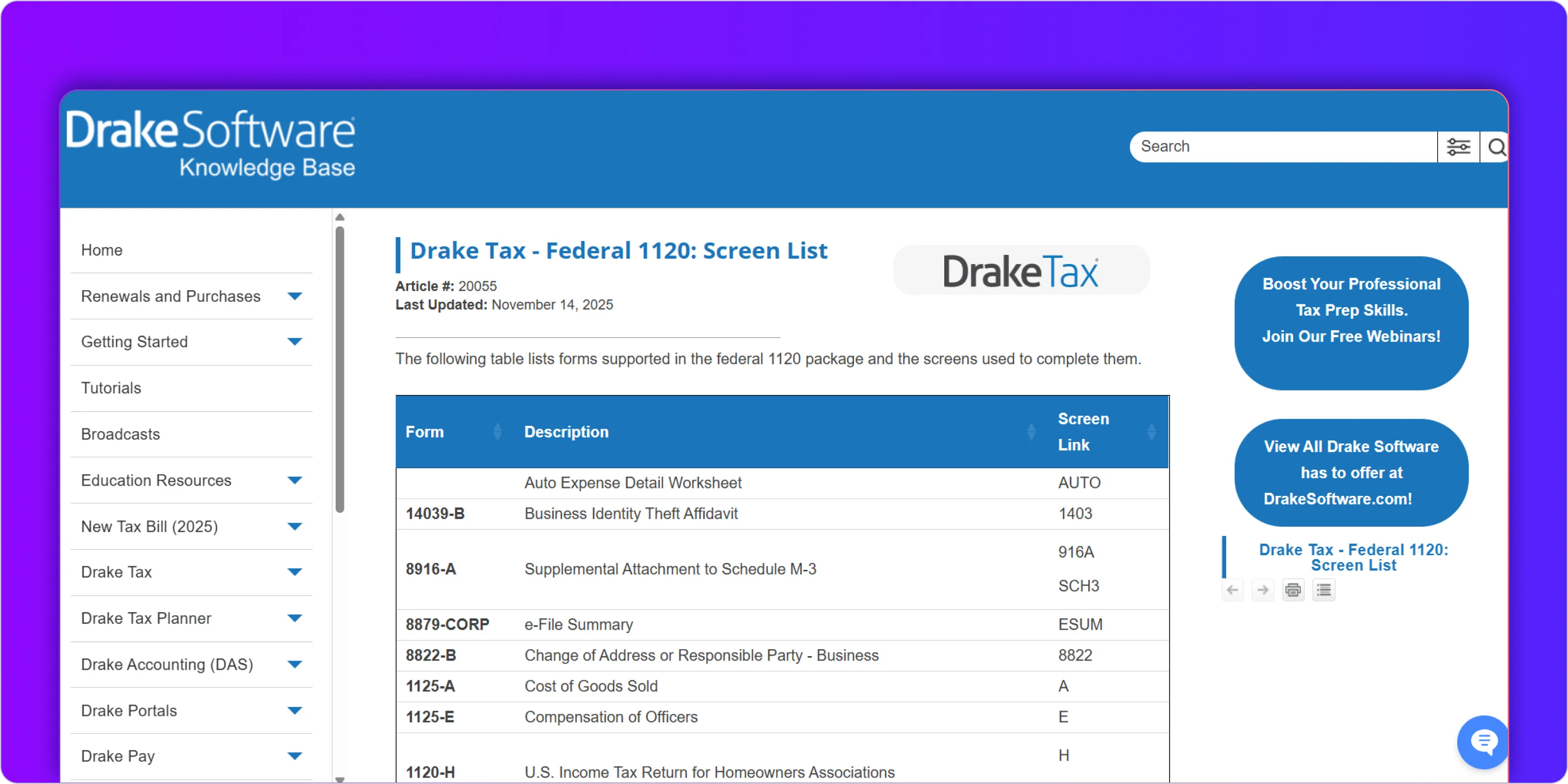
Drake Tax is designed for accountants and tax professionals who handle multiple corporate filings. Unlike basic filing tools, it focuses on efficiency, control, and the ability to manage large volumes of returns without slowing down workflows.
The software is less about guiding a single business through filing and more about helping professionals standardize and streamline the process across clients. This makes it a strong option when Form 1120 preparation is part of a broader tax practice.
Here are some key features of Drake Tax:
- The platform supports bulk processing, which allows professionals to prepare and manage multiple Form 1120 filings efficiently.
- It includes strong compliance checks and diagnostics that help identify inconsistencies or missing information before submission.
- Drake Tax integrates with accounting systems, making it easier to import financial data and reduce manual entry.
Best for
Drake Tax works best for accounting firms, tax consultants, and finance teams that manage multiple corporate filings.
If you are handling Form 1120 for several clients or entities, the ability to standardize workflows and process returns in bulk becomes important. Drake Tax helps reduce repetitive work and improves consistency across filings.
For individual businesses, especially startups or small teams, the software may feel more complex than necessary. Its strength lies in scale and control rather than simplicity or guided filing.
5. TaxAct Business
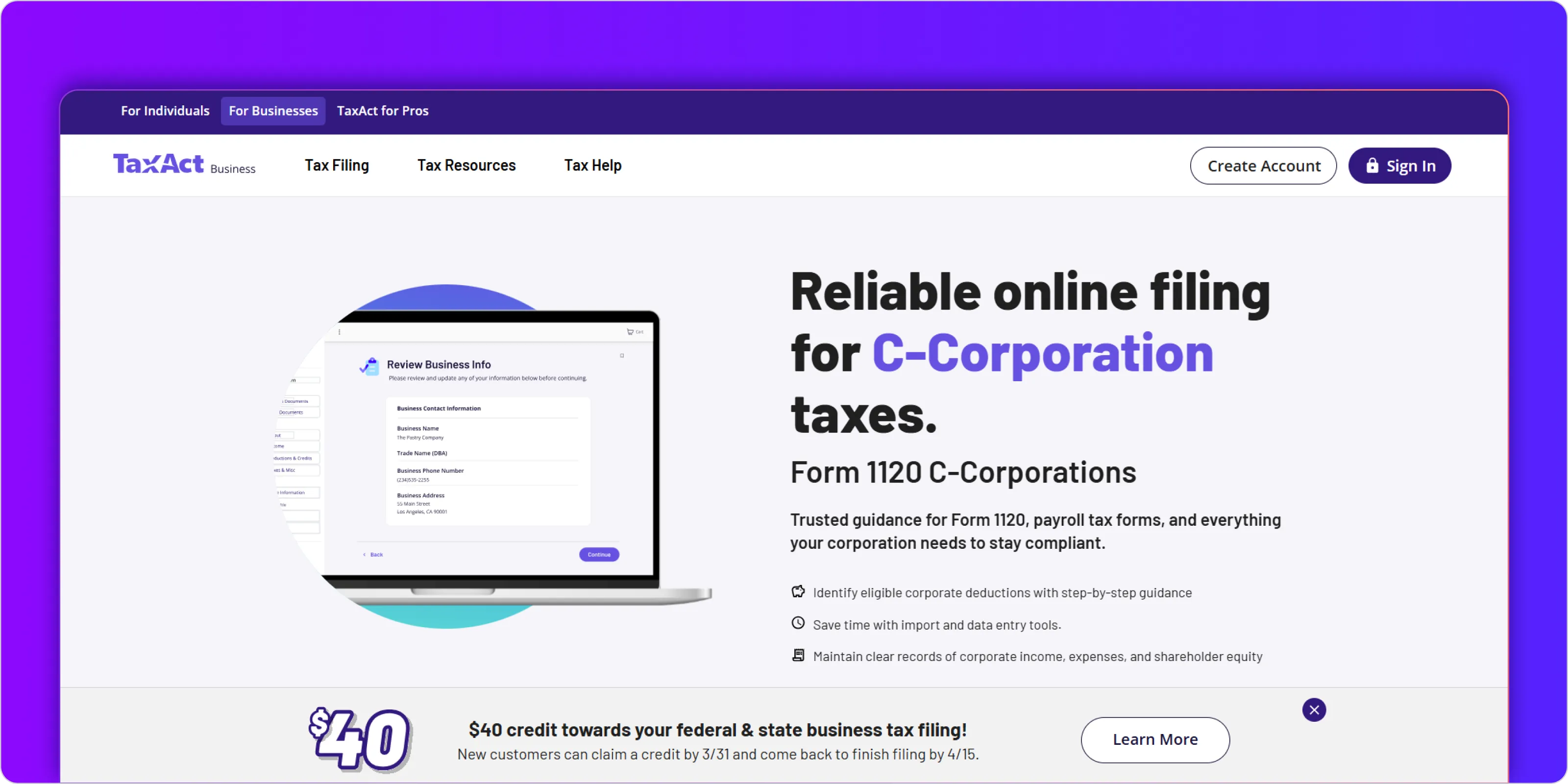
TaxAct Business is built for companies that want a reliable filing solution without paying for advanced features they may not need. It focuses on covering the essentials of Form 1120 preparation while keeping pricing accessible, which makes it a practical option for businesses with moderate complexity.
The platform strikes a balance between guidance and flexibility. It does not go as deep as professional-grade tools, but it provides enough structure to help businesses complete filings accurately when their financial data is already prepared.
Here are some key features of TaxAct Business:
- The software provides a structured workflow for Form 1120 preparation, helping you move through the filing process without confusion.
- It includes deduction and credit tracking, which helps ensure that common tax benefits are captured during filing.
- You can import financial data from accounting systems, reducing manual data entry and saving time.
Best for
TaxAct Business works well for businesses that want a balance between affordability and functionality.
If your company has a relatively stable structure, clean financial records, and does not require advanced compliance workflows, this tool gives you enough capability to file accurately without unnecessary complexity. It is especially useful for teams that want to keep costs low while still using a structured system.
However, as business complexity increases with multiple entities or cross-border operations, the effort required to prepare data outside the tool may also increase. In such cases, the limitation is not the filing process but the lack of deeper integration with financial workflows.
How to choose the right Form 1120 preparation software
If your books are clean, structured, and aligned with tax requirements, most tools can help you complete Form 1120 efficiently. But if your data is fragmented or requires manual cleanup, even the best filing software will slow you down.
This is why businesses should evaluate software based on how well it fits into their overall finance workflow. The goal is not just to file taxes but to reduce effort, avoid errors, and stay consistent across reporting, compliance, and filings.
Below is a simple comparison to help you decide:
When evaluating your options, focus on these factors:
- Choose software that matches how your financial data is currently managed, not just how you file taxes.
- Look for tools that reduce manual effort before filing, especially if your books require frequent adjustments.
- Consider whether your business structure involves multiple entities or jurisdictions, which may require more than basic filing support.
- Check how well the software integrates with your accounting systems to avoid duplicate work.
- Think about scalability, especially if your transaction volume or reporting needs are increasing.
Why should you choose Inkle for Form 1120 preparation and compliance
Form 1120 filing is only as accurate as the financial data behind it. When bookkeeping, reconciliation, and compliance are handled across different tools or spreadsheets, the risk of errors increases. Teams often spend more time fixing data before filing than actually preparing the return.
Inkle brings these pieces together into a single system. Instead of preparing for tax season at the end of the year, your financial data stays clean and aligned with compliance requirements throughout. This reduces last-minute effort and makes Form 1120 preparation more predictable.
Here is how Inkle helps simplify the process:
- Your financial records stay accurate and up to date throughout the year, so there is minimal cleanup required before filing.
- Bookkeeping and compliance workflows are aligned, which reduces the chances of errors or inconsistencies in your tax return.
- Multi-entity and cross-border structures are handled in a structured way, making reporting and filings easier to manage.
- Financial data is organized and accessible, which supports not just tax filing but also investor reporting and audits.
If your team is spending too much time preparing data before filing or dealing with repeated adjustments each year, it may not be a tax software problem. It is often a data and workflow problem.
Book a demo with Inkle to see how you can keep your books clean year-round and make Form 1120 filing simpler and more reliable.
Frequently Asked Questions
What is Form 1120, and who needs to file it?
Form 1120 is the US corporate income tax return used by C corporations to report income, deductions, and tax liability. Any business registered as a C corporation in the US is required to file this form annually, even if it has no taxable income.
Can I prepare Form 1120 without software?
Yes, it is possible to prepare Form 1120 manually. However, it involves detailed calculations and a higher risk of errors. Most businesses use software to reduce manual work, ensure accuracy, and avoid missing important compliance requirements.
What features should Form 1120 preparation software include?
A good Form 1120 software should help you validate data, track deductions and credits, and guide you through the filing process. It should also integrate with your accounting system so that financial data can be used directly without re-entry.
Is bookkeeping required before filing Form 1120?
Yes, accurate bookkeeping is essential before filing. Form 1120 relies on correct income, expense, and financial statement data. If your books are not clean, the filing process becomes more time-consuming and error-prone.
Which software is best for startups filing Form 1120?
Startups usually benefit from tools that go beyond just filing and help maintain clean financial records throughout the year. Platforms like Inkle are better suited in such cases because they combine bookkeeping and compliance, not just tax preparation.
Can Form 1120 software handle multi-entity businesses?
Some software supports multi-entity setups, but many basic tools have limitations. Businesses with multiple entities or cross-border operations often require systems that can manage financial data and compliance in a more structured way.